Blog
Why I Built a Local AI Setup for DK Logics
A local AI box on my desk now does two jobs: it answers website visitors and helps me build software. Here's why I did it, and how I could help you do the same.
I built a local AI setup for DK Logics because I wanted more control over how AI fits into my workflow. I wanted a system that could answer website visitors, support development work, and let me experiment with AI agents without worrying about every test, prompt, or iteration turning into another API charge.
The short version is this: local AI gets interesting when you stop thinking only about the model and start thinking about the whole system around it. The value isn't just that a model can answer a prompt. It's that you can connect it to your application, your queues, your tools, your approval rules, and your own hardware in a way that matches how your business actually works.
AI coding moved past autocomplete
A few months ago, AI coding was still easy to describe. Most people knew GitHub Copilot, and that was enough context. Now the conversation is different. Tools like Codex, Claude Code, and a growing set of coding agents don't just suggest a line of code. They can read a repo, edit files, run tests, inspect failures, and loop on a task until they either solve it or hit a boundary.
That shift matters because agent workflows burn resources differently than chat workflows. A simple question-and-answer session is one thing. An agent that opens a project, reads files, modifies code, runs commands, sees the errors, and tries again can consume a lot more tokens and a lot more time. Once you start working that way every day, the underlying cost model becomes part of the engineering discussion.
Why desk-side AI hardware got more interesting
That cost shift is one reason local AI hardware is getting more compelling. In NVIDIA's March 18, 2025 DGX Spark announcement, the company described DGX Spark as a desktop AI system with 128 GB of unified memory and up to one petaFLOP of FP4 AI compute. NVIDIA also said the system is designed to let developers run inference on models up to 200 billion parameters and fine-tune models up to 70 billion parameters locally. Whether a team chooses that exact box or not, the direction is clear: serious AI capability is moving closer to the desk.
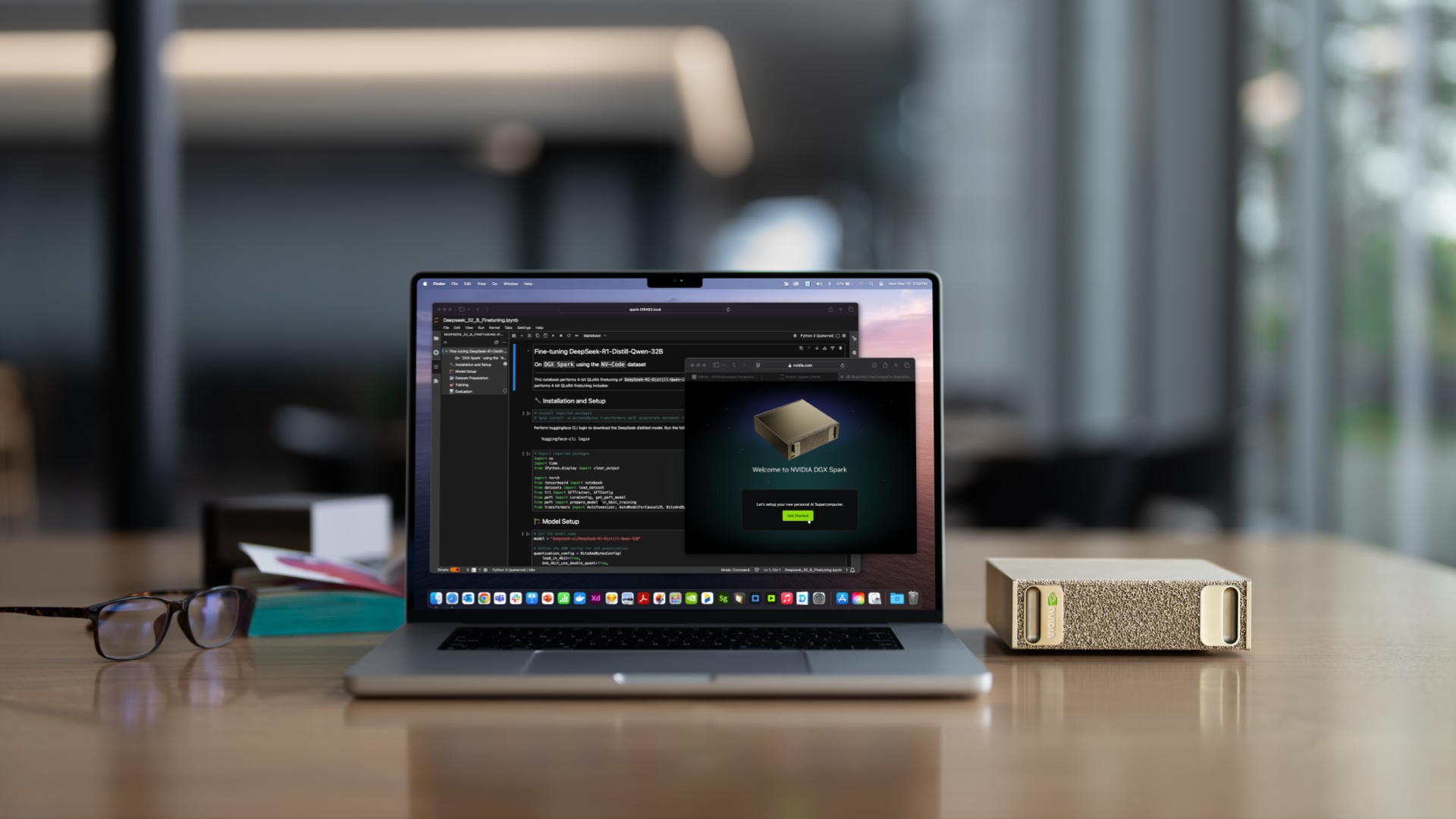
The interesting part isn't the spec sheet by itself. It's what happens when the machine, the model, and the surrounding software all belong to you. You can change the prompts. You can change the routing. You can swap models later. You can decide what data stays local, what actions need approval, and what parts of the workflow should stay cheap enough to test constantly.
What my DK Logics chatbot actually does
On the DK Logics site, I built the chatbot to run through my own local AI setup instead of treating it like a black-box hosted widget. When a visitor sends a message from the website, the request moves from the web app into Amazon SQS, then down to my local AI machine, which processes the request and sends the reply back. From the visitor's perspective, it feels like a normal site chatbot. From my side, it's a queue-backed workflow running through infrastructure I control.
That changes what experimentation feels like. I'm not locked into one chatbot product, one hosted prompt surface, or one billing meter for every small test. I can adjust the model, the prompt structure, the orchestration, and the surrounding code without treating every iteration like an external API event that needs permission from a pricing page.
The same machine can also help me build software. That's the part that made the setup click. It isn't just a chatbot appliance. It's a worker I can route into different jobs. During one part of the day it can answer website questions. During another, it can assist with coding, debugging, or internal tools.
The model is only one layer of the system
This is where a lot of AI discussions still undersell the real work. Businesses don't get much value from a raw model endpoint by itself. They get value from the harness around it.
How does the request enter the system?
Where does the message go after the user submits it?
What internal context is the AI allowed to read?
What tools can it call, and which actions need human approval?
How are logs, failures, and audit trails stored?
How hard is it to swap models six months from now?
That's software engineering work. A useful AI system still needs APIs, queues, workers, databases, security boundaries, monitoring, and operational discipline. The chatbot on the DK Logics site is a small but real example of that pattern: web app to queue to local worker to response.
When local AI makes business sense
None of this means every company should move everything on premises. Cloud AI is still the right tool in plenty of cases, especially when a team wants frontier models, managed scaling, or faster time to market. But local AI becomes a serious option when control, privacy, customization, or cost predictability matter more than always using the largest hosted model available.
A business may not need the biggest model for every task. It may need a private assistant that can work with internal documents, a website chatbot that answers common questions, an automation worker that handles repetitive steps, or a coding agent that can operate inside a development environment with clear boundaries. Those are different problems than 'What's the smartest model on the leaderboard this week?'
Owning the hardware doesn't make AI free. There is still the cost of the machine, electricity, setup, maintenance, and engineering time. What it changes is the shape of experimentation. Once the system is in place, trying new workflows feels a lot less like watching a meter and a lot more like normal engineering iteration.
The durable value is the workflow around the model
The tools will keep changing. The model rankings will keep changing. The lasting asset isn't any one model release. It's the workflow you build around the model: the routing, the permissions, the integrations, the queues, the fallbacks, and the software that makes the AI useful for a real business process.
If your business is exploring local AI, a private chatbot, AI-assisted internal tooling, or a hybrid architecture that mixes cloud models with owned infrastructure, DK Logics can help design and build the system around it. Start with the AI and automation work on our capabilities page, or contact DK Logics if you want to talk through the architecture.